The work-from-home outage kit: router, laptop, Starlink
The work-from-home outage kit: modem and router draw, Starlink's own published figure, and why the laptop is the one load you should not be backing up.
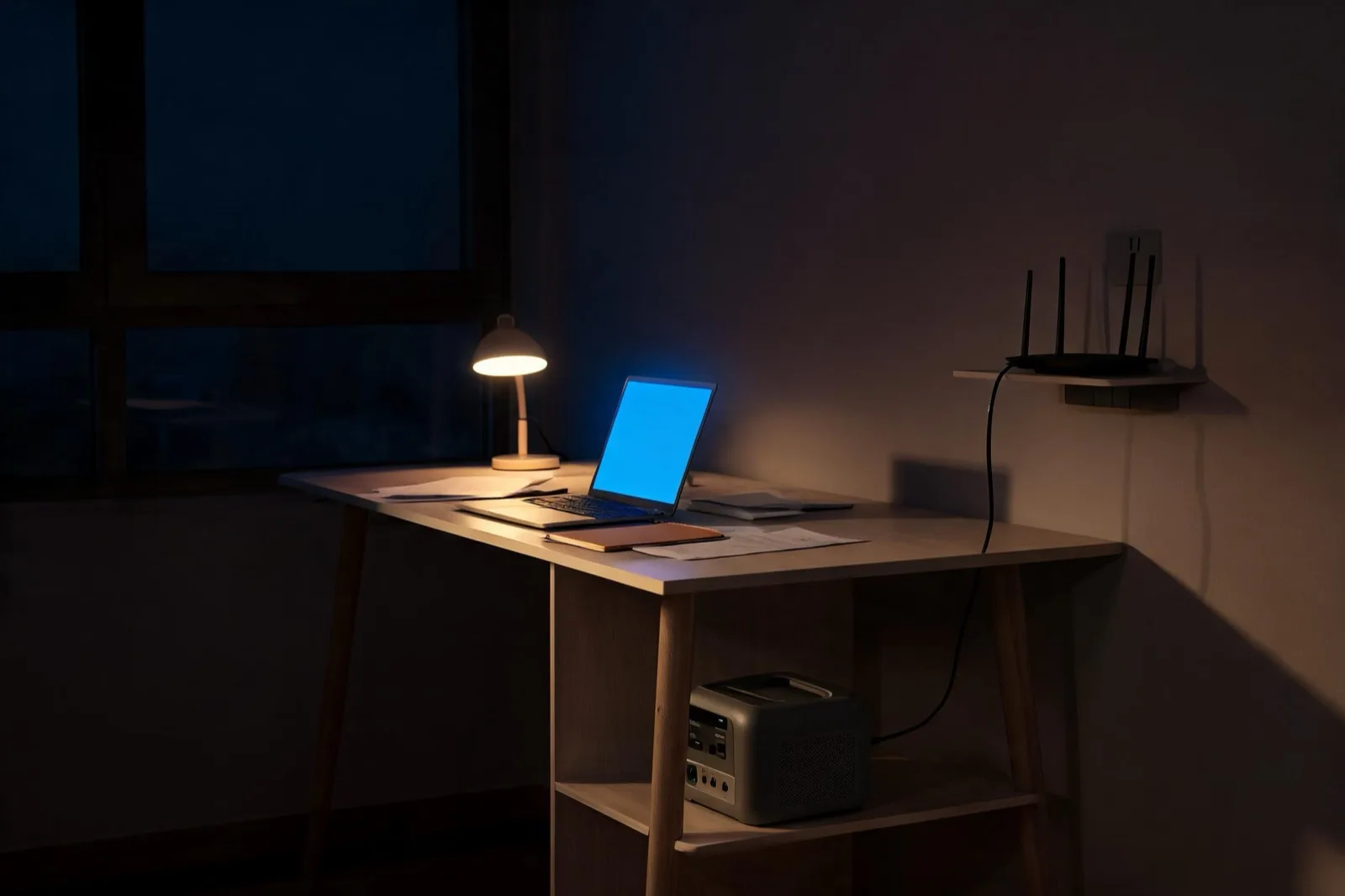
Amazon links below are affiliate links: if you buy through them we earn a commission at no extra cost to you. As an Amazon Associate, The Home Battery Report earns from qualifying purchases. Commissions never change a pick; rankings are set from the datasheets first.
286 Wh of LFP capacity rated 600 W with a 1,200 W surge and a published sub-10 ms UPS switchover. Against a modem and router pair at published average draw, that is most of a day at the ceiling, in a 10.4 lb box that sits behind the desk.
1,024 Wh rated 1,800 W with a 3,600 W surge and a published sub-10 ms UPS switchover, expandable to roughly 5 kWh. Enough to carry network gear for days or a Starlink dish for most of a working day.
1,024 Wh with 2,000 W output and a 3,000 W peak, and Anker publishes a 10 ms UPS switchover and states that every AC output port on the unit supports UPS, so you are not choosing which outlet gets protected.
1,024 Wh rated 1,800 W with a published UPS switching time of 10 ms or less and pure sine wave output stated in BLUETTI's own spec table, which not every maker on this page publishes.
2,073.6 Wh rated 2,600 W with pure sine wave output and 6,000+ cycles to 80 percent. Against Starlink's published 75 to 100 W average, that is roughly 21 to 28 hours at the ceiling before losses.
Every figure is a manufacturer datasheet spec. We have not lab-tested these units.
Keeping a job running through an outage is the smallest sizing problem on this site, and the one people most often get wrong in the expensive direction. The instinct is to size a battery for the desk. The arithmetic says to size it for the network, because the laptop already has a battery and the router does not. This guide works from published figures on both sides. We have not tested any of these products, and the Amazon links above are affiliate links, disclosed at the top of this page.
What the network gear actually draws
Two kinds of published number exist here, and they are far apart.
The adapter rating is what the manufacturer prints. NETGEAR publishes a table of power adapter ratings across its router range and states the relationship explicitly: "Your router's power consumption does not exceed the power adapter rating." That gives you a ceiling. An R6020 ships with a 12V 1A adapter, 12 W. A RAX50 ships with 12V 2.5A, 30 W. An R7000 or RAX70 ships with 12V 3.5A, 42 W. A RAX75 or RAX80 ships with 19V 3.16A, about 60 W. Those are the largest numbers the hardware is allowed to reach, not the numbers it sits at.
The measured average comes from a regulator rather than a maker. California Energy Commission staff analysis of small network equipment, filed in the state's appliance efficiency proceeding, published average power draw by device class: 7.8 W for a router, 6.7 W for a cable broadband modem, 5.4 W for an ADSL modem, 7.1 W for a fiber ONT, 6.2 W for an access point, and 8.0 W for a cable integrated access device, which is the combined modem and router unit most cable customers actually own.
The gap matters. If you size against the adapter rating you will buy roughly four times the battery you need. The honest planning figure for a separate modem and router is about 15 W, and for a single gateway box about 8 W.
| Device | Adapter rating (ceiling) | Measured average (CEC staff analysis) |
|---|---|---|
| Router | 12 W (R6020) up to about 60 W (RAX75/RAX80) | 7.8 W |
| Cable modem | Not covered in this guide | 6.7 W |
| Combined modem + router gateway | Not covered in this guide | 8.0 W |
| Fiber ONT | Not covered in this guide | 7.1 W |
| Access point | Not covered in this guide | 6.2 W |
Runtime, at the ceiling
Rated capacity divided by load, with the assumptions stated because they change the answer. These use each unit's rated watt hours, not usable watt hours, and they ignore inverter losses, the low-voltage cutoff and the station's own standby consumption. Real runtime is lower than every number below, and none of these makers publishes an inverter efficiency figure at loads this small, so we do not apply a derate rather than invent one.
| Unit capacity | Single gateway (8 W) | Modem + router (15 W) | Starlink dish (75 to 100 W) |
|---|---|---|---|
| 286 Wh (RIVER 3 Plus) | About 36 hours | About 19 hours | Roughly 2.9 to 3.8 hours |
| 1,024 Wh (DELTA 3 Plus, Elite 100 V2, C1000 Gen 2) | About 128 hours | About 68 hours | Roughly 10.2 to 13.7 hours |
| 2,073.6 Wh (Elite 200 V2) | About 259 hours | About 138 hours | Roughly 20.7 to 27.6 hours |
That is the finding of this guide in one line. Among the loads we work through on this site, network equipment is the one where a suitcase-sized battery covers a multi-day outage rather than a long afternoon. Compare that against the refrigerator arithmetic in our refrigerator guide, where a 1 kWh unit is a same-day answer.
Starlink is a different order of magnitude
If your connectivity plan is satellite, the numbers change by a factor of five to seven, and Starlink publishes the figure itself. The Standard 4X specification sheet lists power consumption for the dish as "Average: 75 - 100 W," with a power supply rated 100 to 240V at 2.5A. The kit also includes Router 3, and the dish figure is the one that dominates.
Run that through the same division and you get the Starlink column of the runtime table above: roughly 2.9 to 3.8 hours on a 286 Wh unit, 10.2 to 13.7 hours on a 1,024 Wh unit, and 20.7 to 27.6 hours on the 2,073.6 Wh class.
Two things follow. A kilowatt-hour class unit covers a working day on Starlink and not a working week, so a satellite household planning for multi-day outages needs either the 2 kWh class or a recharge path. And the range in Starlink's own figure is wide for a reason: the dish has a published snow melt capability of up to 40 mm per hour and an operating range down to -30 degrees C, and heating the panel is not free. Plan against 100 W in winter.
The laptop you should probably not back up
Apple publishes 53.8 watt hours for the 13-inch MacBook Air and 66.5 watt hours for the 15-inch, with a 40W Dynamic Power Adapter rated to 60W maximum. Those two numbers frame the decision.
Charging a laptop from a power station runs the energy through the station's inverter to 120V AC and then through the laptop's charger back down to DC, paying a conversion penalty at each step, to fill a battery that could have been full before the outage began. A 1,024 Wh station is roughly 19 full 13-inch MacBook Air charges at the ceiling, and materially fewer once both conversions are counted.
The better plan is boring. Keep the laptop charged, work off its own cells, and spend the station's capacity on the equipment that has no internal battery: the modem, the router, the mesh nodes, and the dish if you have one. Top the laptop up once from the station when it runs low, rather than leaving it plugged in all day. Phones fall in the same category, and a phone battery is small enough that the station is a rounding error either way.
The exception is a desktop workstation and an external monitor, which have no internal storage at all and draw far more than a router. If that is your setup, the sizing question is closer to the appliance arithmetic elsewhere on this site than to anything on this page.
A blip or a reboot
The distinction that decides whether an outage costs you a call or costs you a morning is the switchover time, and it is published unevenly across this category. Among the picks here, EcoFlow publishes under 10 ms for the RIVER 3 Plus and DELTA 3 Plus, BLUETTI publishes 10 ms or less for the Elite 100 V2, and Anker publishes 10 ms for the SOLIX C1000 Gen 2 and adds that every AC output port on that unit supports UPS mode, which is not universal: on some units only one bank of outlets is protected.
A gap in the 10 to 20 ms range is generally shorter than the hold-up time of the switching supplies inside consumer network gear, so the router rides through it and the call continues. A longer gap, or an unpublished one, means a reboot, and a modem reboot is measured in minutes rather than milliseconds. Our transfer times guide covers how these figures are stated and where the mode qualifiers hide, and none of them is a measurement we made.
Pass-through operation is the other half of it. The station stays plugged into the wall and the gear stays plugged into the station, so the handover happens without anyone at home. A unit sitting in a closet at full charge with nothing plugged in does not help at 9 a.m. on a Tuesday.
Matching a unit to the setup
- Cable or fiber, no satellite, you want the smallest thing that works: the EcoFlow RIVER 3 Plus at 286 Wh, which is roughly 19 hours on a modem and router at published averages, or about a day and a half on a single combined gateway.
- You want margin without thinking about it: the 1 kWh class. The DELTA 3 Plus, Elite 100 V2 and SOLIX C1000 Gen 2 all publish the same 1,024 Wh and all publish a switchover in the 10 ms region.
- Starlink: the BLUETTI Elite 200 V2 at 2,073.6 Wh, the only pick here that covers a full working day at Starlink's upper published figure with room left over.
- You rent, or you cannot touch the panel: everything on this page is a plug-in answer, and our apartment guide covers what else is on the table.
Every figure above is a manufacturer or regulator publication recorded with its stated basis: adapter ratings from NETGEAR's own support documentation, average draw from California Energy Commission staff analysis, dish consumption from Starlink's Standard 4X specification sheet, and battery capacity from Apple's tech specs. The runtime numbers are arithmetic on those figures under the assumptions stated, not measurements we made.